DxO PureRAW 6 Review: Is Worth The upgrade ?
Disclaimer: DXO did send me the software to test but they have no input into the following article. If you do wish to purchase the software DXO have provided a discount code for 15% of using code: RICH15
Noise reduction software has improved dramatically in recent years and new AI tools which aid photography like this really interest me. For example the previous models in DxO PureRAW 5 blowing my mind, and changing what I thought was the highest ISO I would be comfortable shooting at. So how can it get any better?
In particular I wanted to test:
Is the new AI model, DeepPRIME XD3, better than the previous model, DeepPRIME 3?
How does it compare to Adobe Lightroom’s built-in denoising?
Is the new compressed RAW option worth using?
And most importantly: is it worth upgrading or buying in the first place?
Testing the New AI Model in DxO PureRAW 6
To test the new model properly, I wanted to see how the software behaves with photos that would otherwise be beyond saving.
The below photo was shot at ISO 12,800 on a Sony A7 III, and it also required a heavy crop. The combination enlarges the noise and is exactly the kind of situation where noise reduction software hopefully should make the biggest difference.
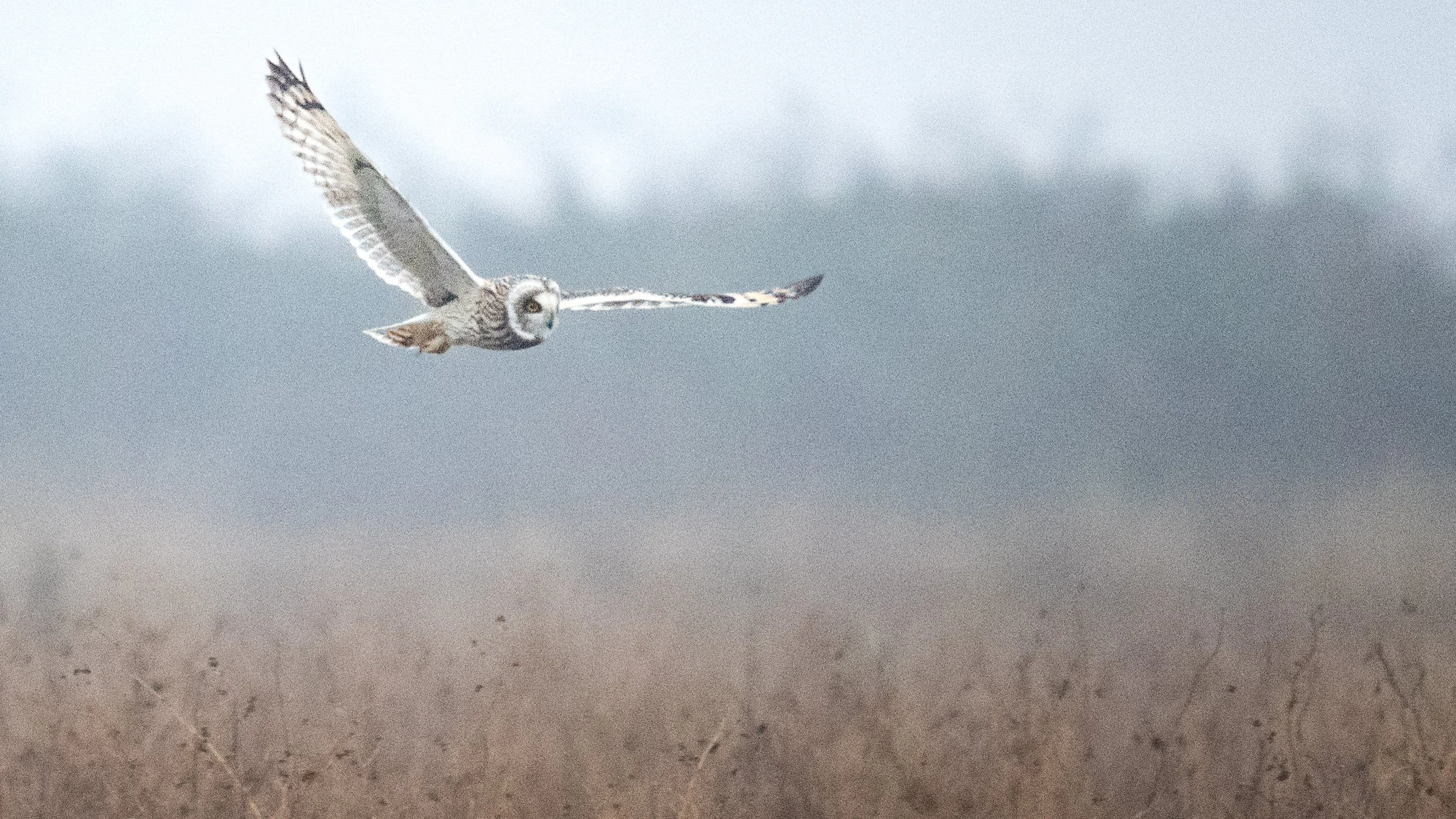
Sony a7iii Iso 12800 Cropped
When processed with the previous DxO model, DeepPRIME 3, the results were already impressive. The software removed a large amount of noise while adding a significant amount of sharpness back into our owl.
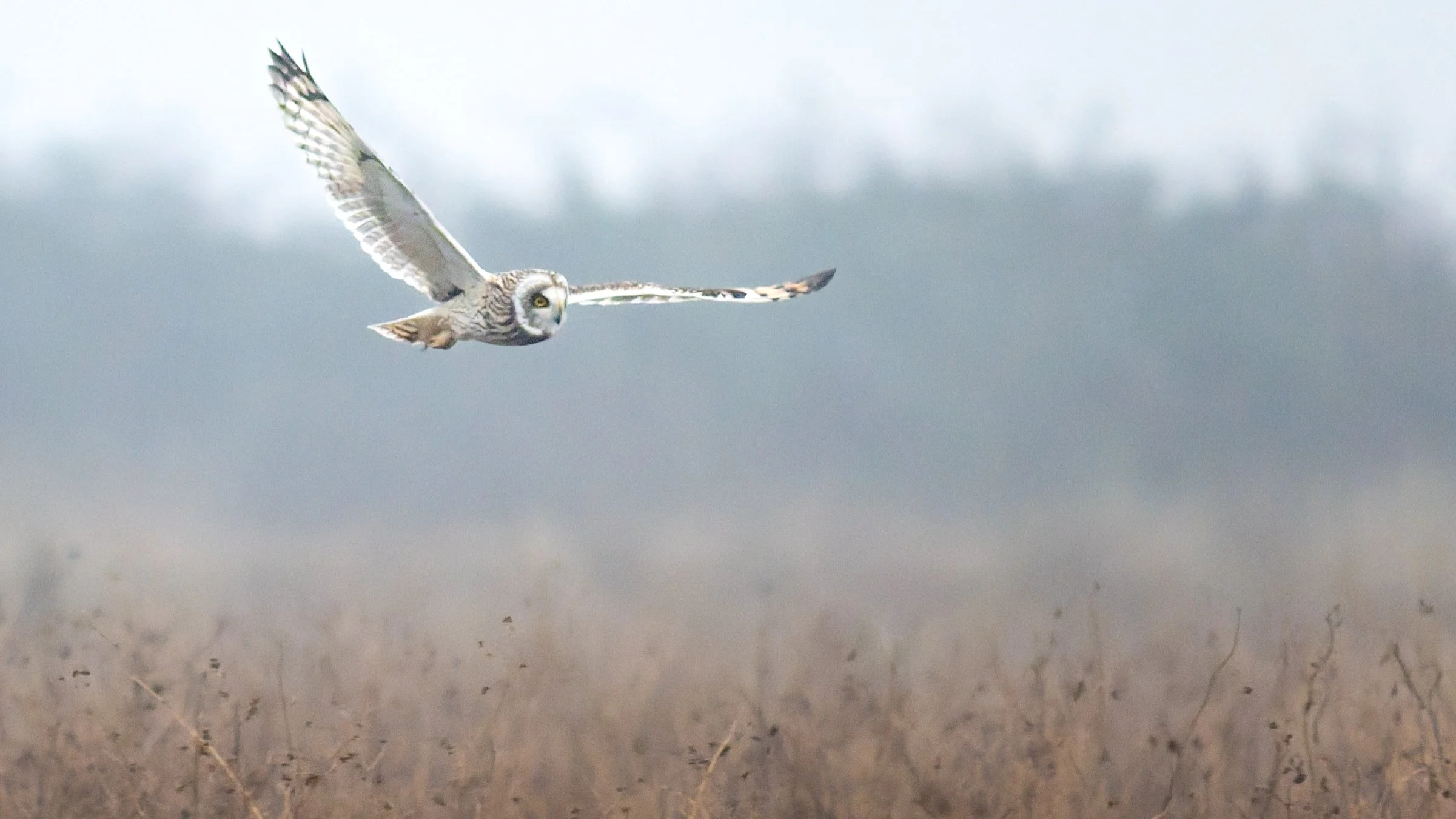
Sony a7iii ISO 12800 Cropped, processed using DeepPRIME 3
But is the new model in PureRAW 6 better?
PureRAW 6 vs the Previous DxO Model
When comparing the two versions side by side, there is a difference but it is more slight.
DeepPrime3
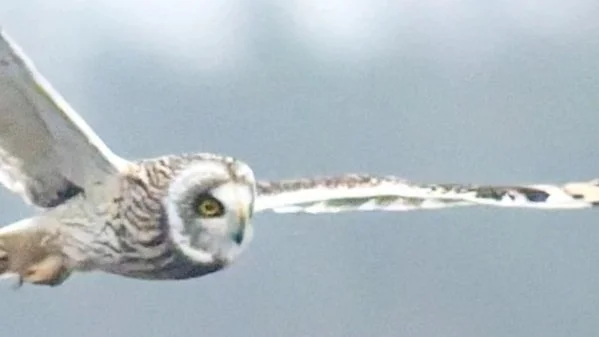
DeepPrime 3
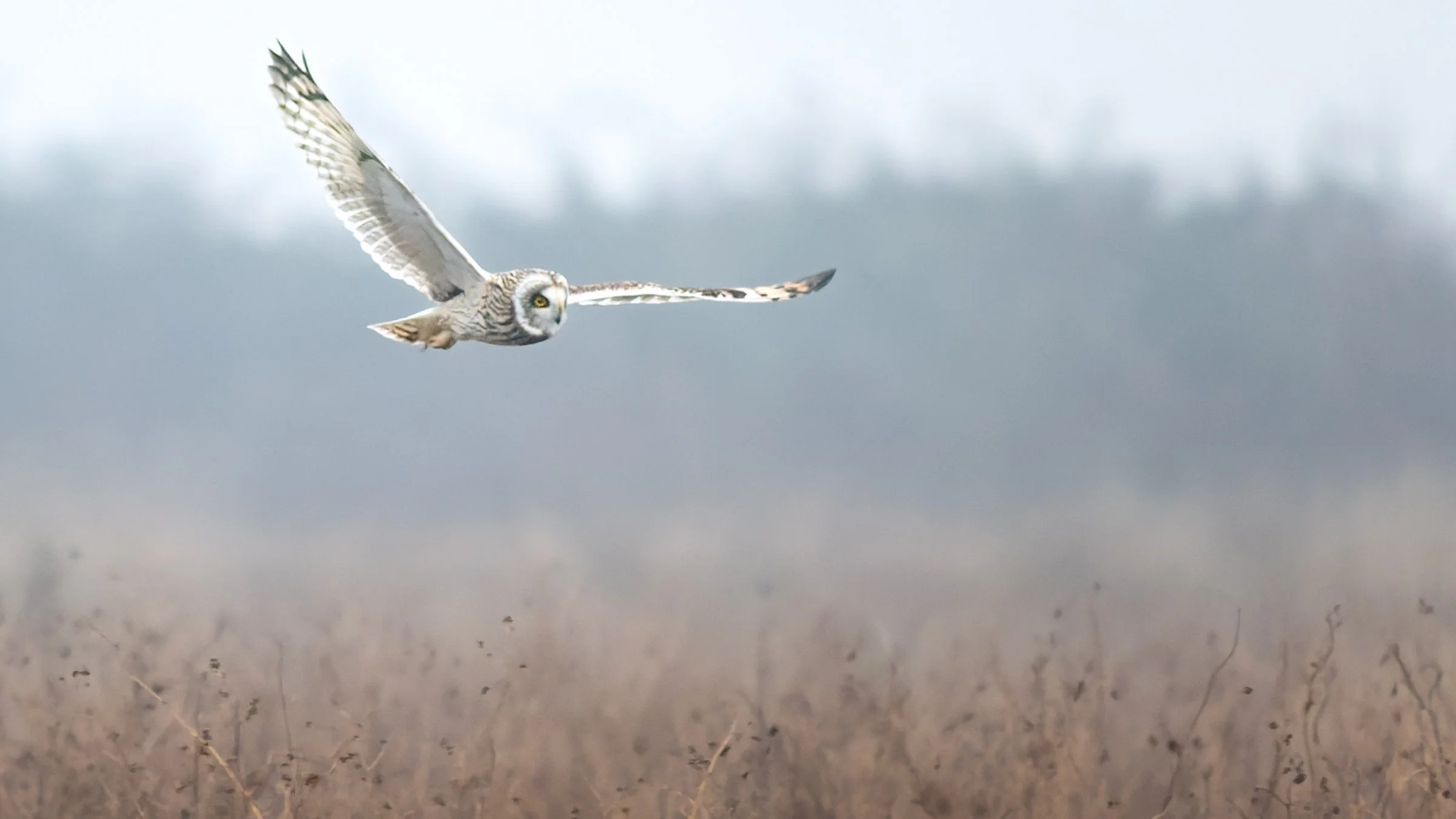
DeepPrime XD3
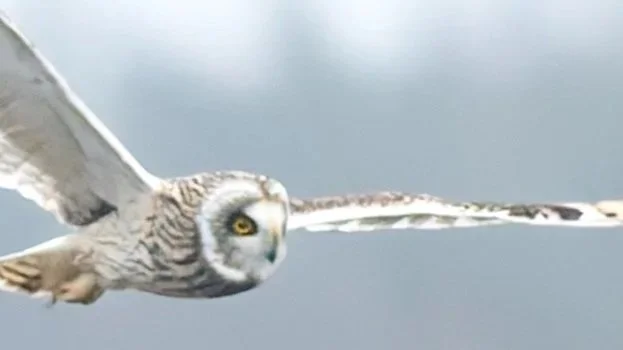
DeepPrime XD3
At a normal viewing distance, the results look very similar. However, when zooming into the image, a few improvements become clearer:
Fine detail appears a tad sharper
The noise seems also to have been reduced
Overall, I would say the improvement isn’t dramatic, but it is definitely there.
What can we say from this?
The new model in PureRAW 6 is slightly better than the previous version, particularly when working with high ISO files or heavy crops.
How much does this matter? Well I think that very much depends on the individual.
If you currently own PureRaw 5 and are just going to be posting onto Instagram I don’t think you’re really going to notice a difference between the new model and this model. There are a few other features that the new PureRaw 6 introduces which may be of interest beyond just noise reduction though.
If you are producing larger prints were the details will be scrutinised more I do feel that the improvements shown above are worth it.
If you don’t currently own either PureRaw 5 or 6 then hopefully this shows how much difference it makes in high noise images like the above.
But how does it compare to just the native denoising tools in lightroom?
DxO PureRAW 6 vs Lightroom AI Denoise
For this comparison, I used a photo taken with the Sony A6000, which has an APS-C sensor which at ISO 3200 is pushing towards the top end of what I like to work with with this camera.
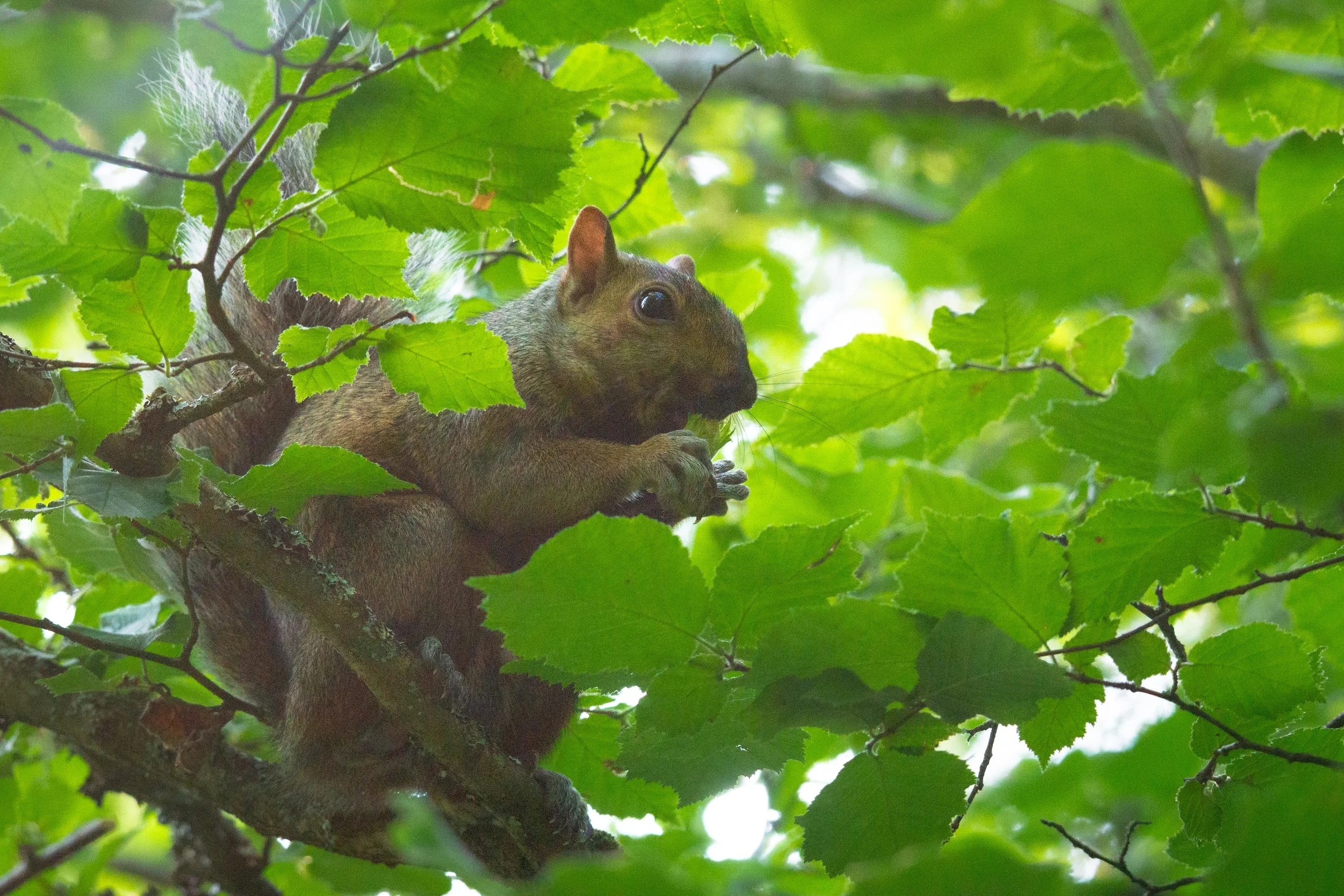
Sony a6000 ISO 3200
After processing the file with PureRAW 6, the results looked far cleaner as we would expect.
When comparing the two different programmes, Lightroom did reduce the noise significantly, but it also softened the image slightly.
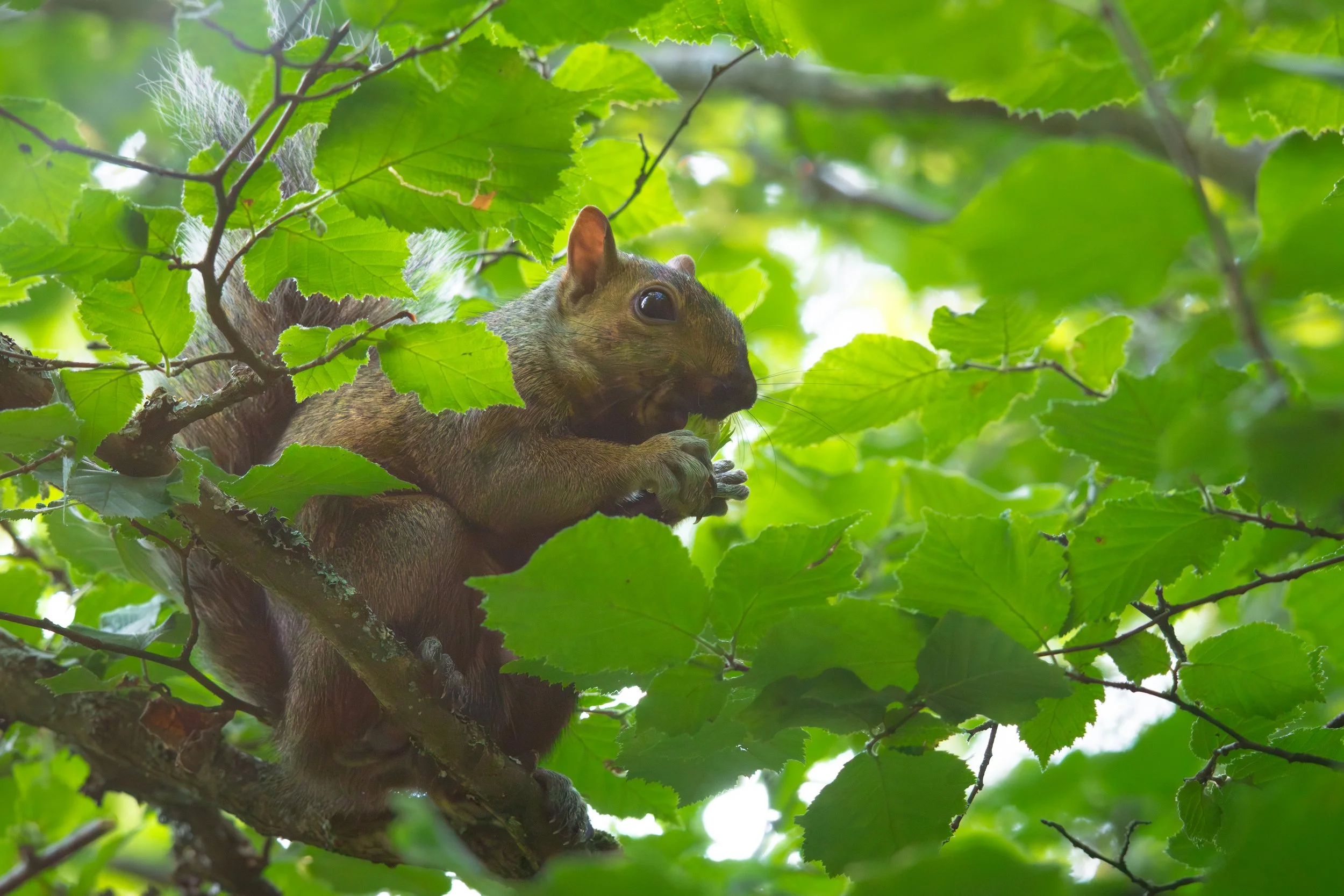
Lightroom Denoise
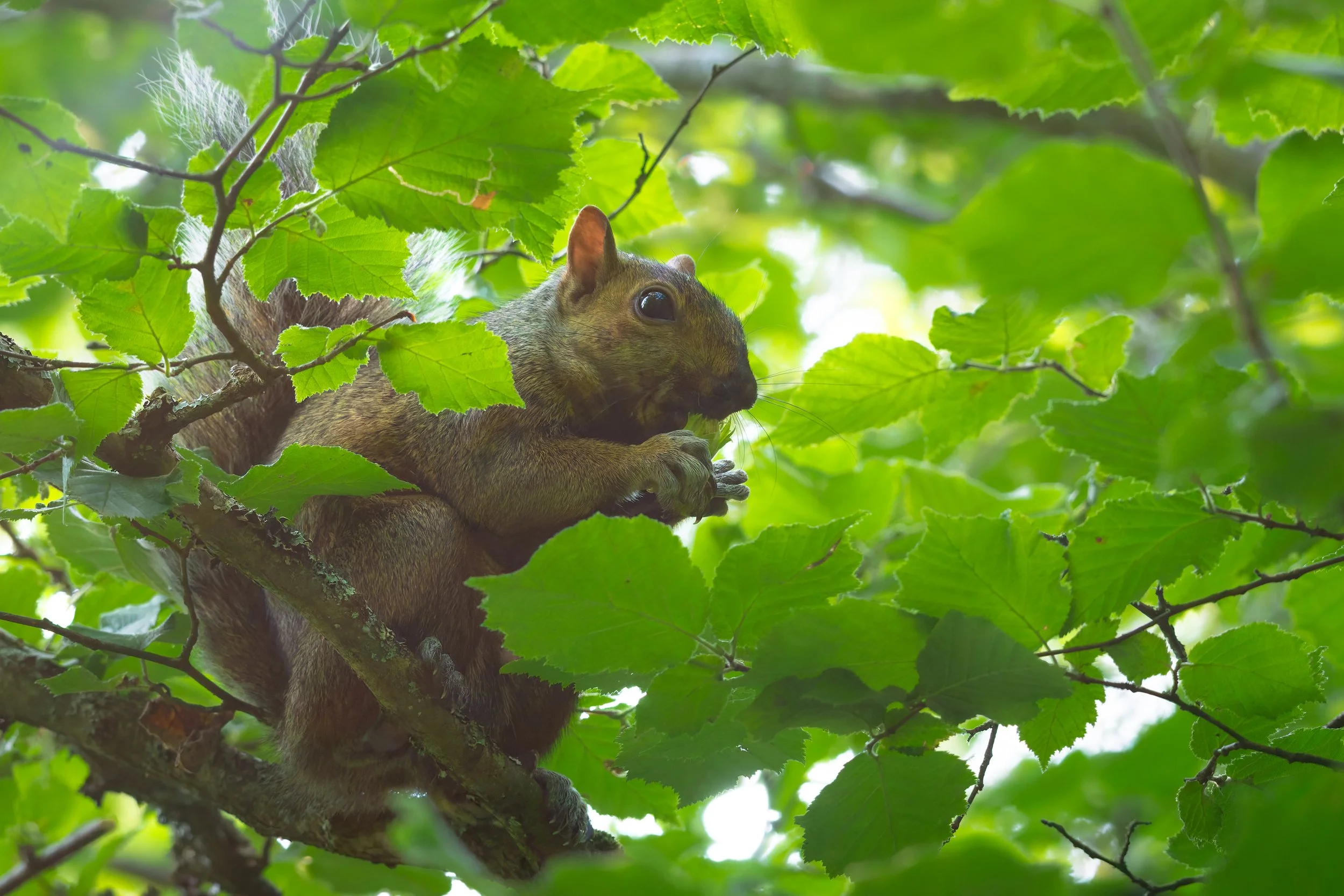
DXO DeepPRIME XD3
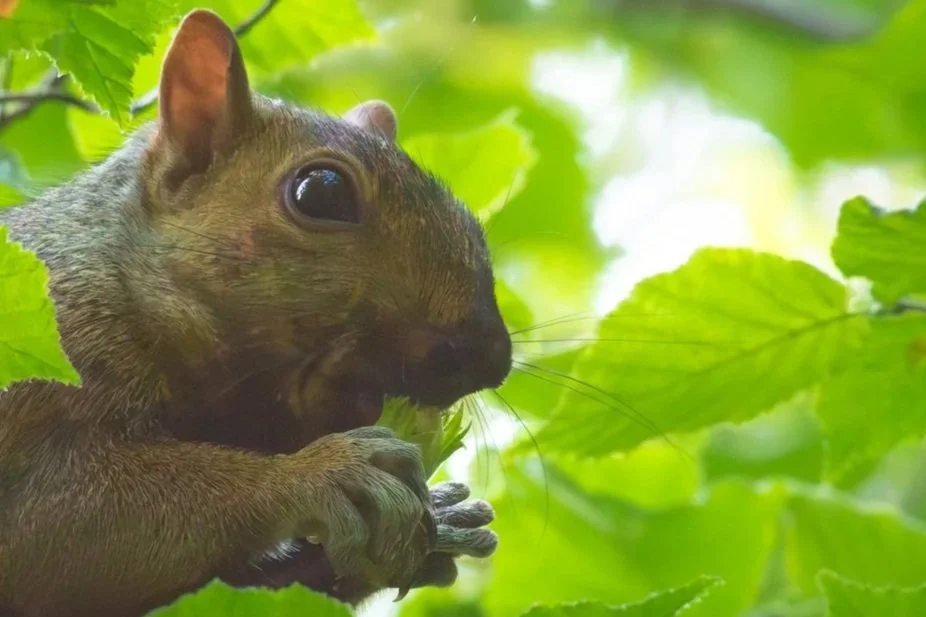
Lightroom Denoise
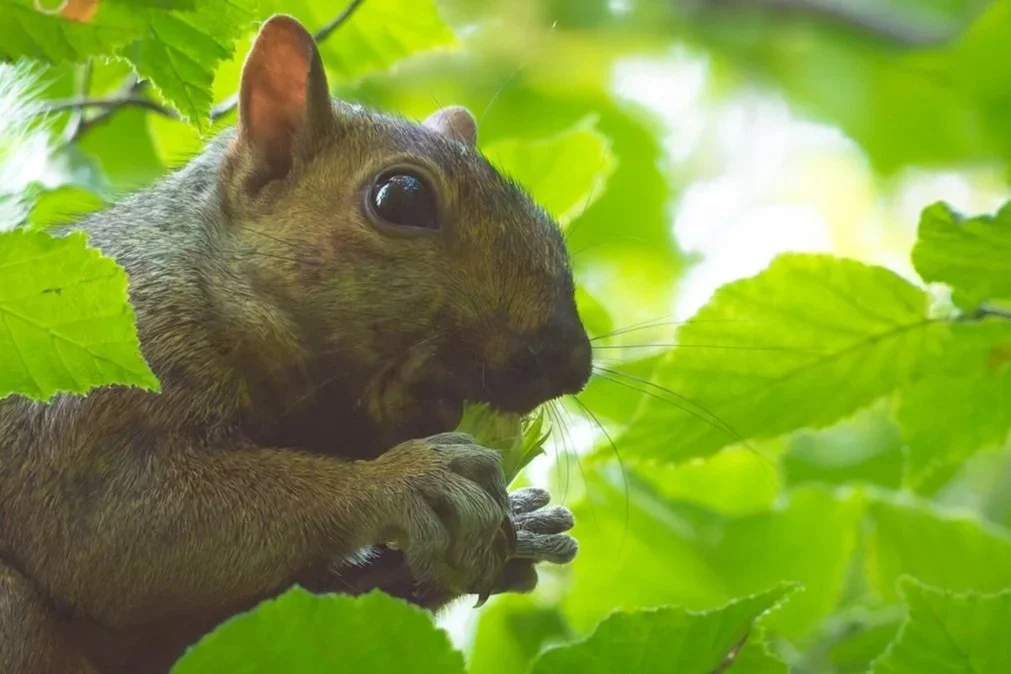
DXO DeepPRIME XD3
So in comparing the two PureRAW 6 retained more detail while still removing noise effectively. So if you were looking to upgrade from lightroom, then DXO looks to be a great option.
The New Compressed RAW Option
Another new feature in PureRAW 6 is the ability to compress processed RAW files.
This feature is potentially very interesting for saving space on your hard drive. Something which is becoming more important with the increasing price of storage as well as the increased file size from higher resolution cameras in the first place. DXO have designed the compressed RAW files to reduce storage requirements while maintaining image quality. But does it do what it says on the metaphorical tin.
To test this, I processed the same image twice:
Once using compressed output
Once using uncompressed output
Both images were then edited using identical colour grading.
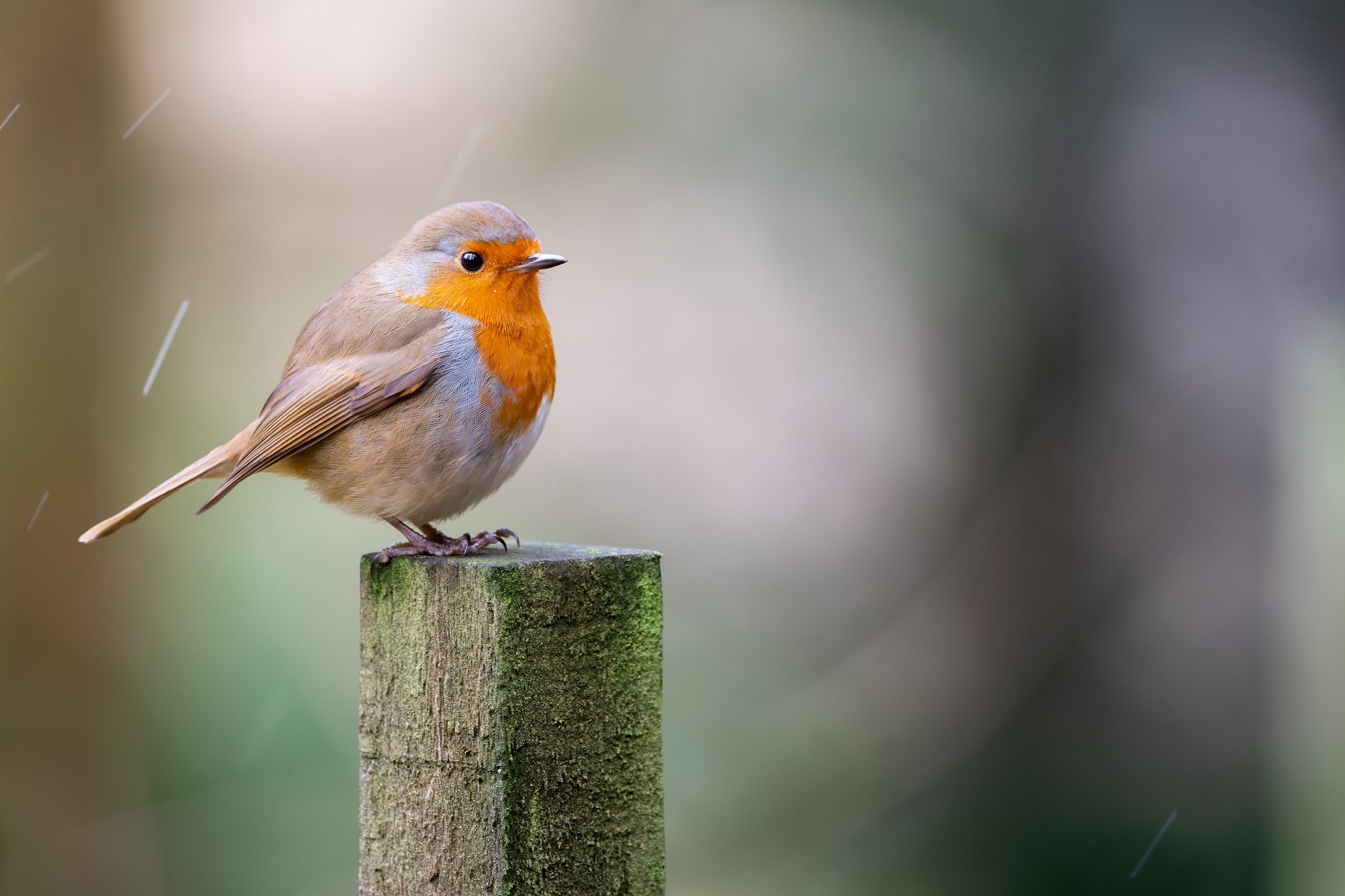
Processed from Uncompressed Raw File
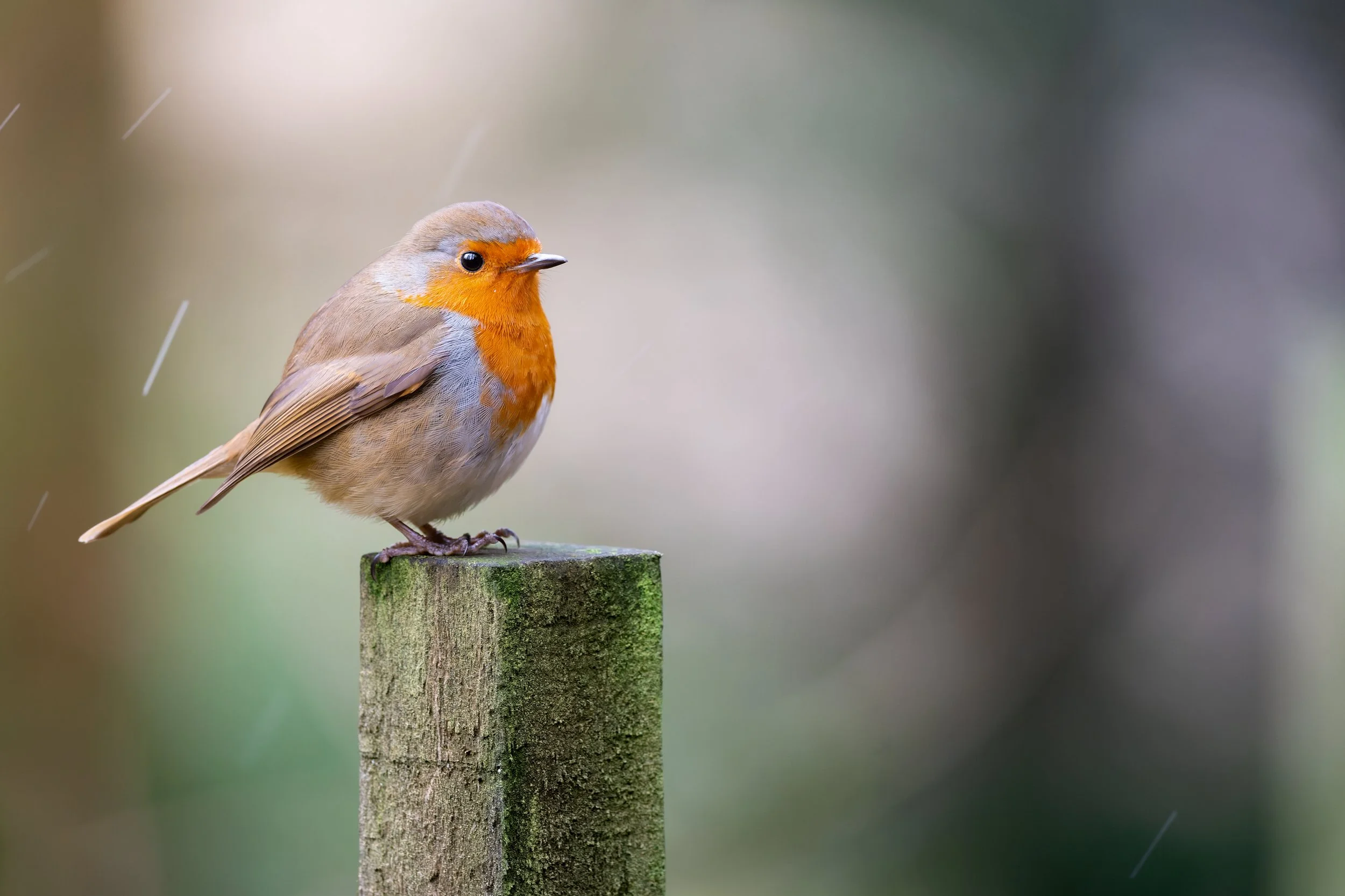
Processed from Compressed Raw File
Viewed uncropped the two photos are virtually indistinguishable.
The difference really only becomes more apparent following a large crop.

Processed from Uncompressed

Processed from Compressed
Conclusion:
The compressed RAW option appears to be a great way to save storage space without sacrificing image quality especially for those posting to social media. For larger prints I would probably still advise you stick with uncompressed RAW files to ensure you are working with the highest quality through your editing process.
Who Should Buy DxO PureRAW 6?
Based on what these results I would recommend PureRAW 6 for Wildlife photographers who:
Frequently shoot in low light
Work with high ISO images
Need to crop heavily
Want the best possible RAW starting point before editing
If you don’t already own PureRAW, it’s definitely worth trying the free trial.
https://www.dxo.com/dxo-pureraw/download/
If you already own an older version, I would also say have a play around with the new models as well as the compressed RAW files it certainly feels like a useful option to have.
If you do end up purchasing use code “RICH15” on the DXO website for 15% off your order.
